
iPad Pro replaces laptop: is Apple's tablet really getting there in 2026?
In this article
- Big Picture: why iPad Pro replaces laptop for so many people
- Architecture & Specifications: what makes the iPad Pro desktop-class
- Real-World Use Cases: where iPad Pro replaces laptop without compromise
- Limitations & Challenges: what still prevents a full switch
- What changes for the user: a checklist before deciding
- Next Steps: how to decide without falling for the hype
- FAQ
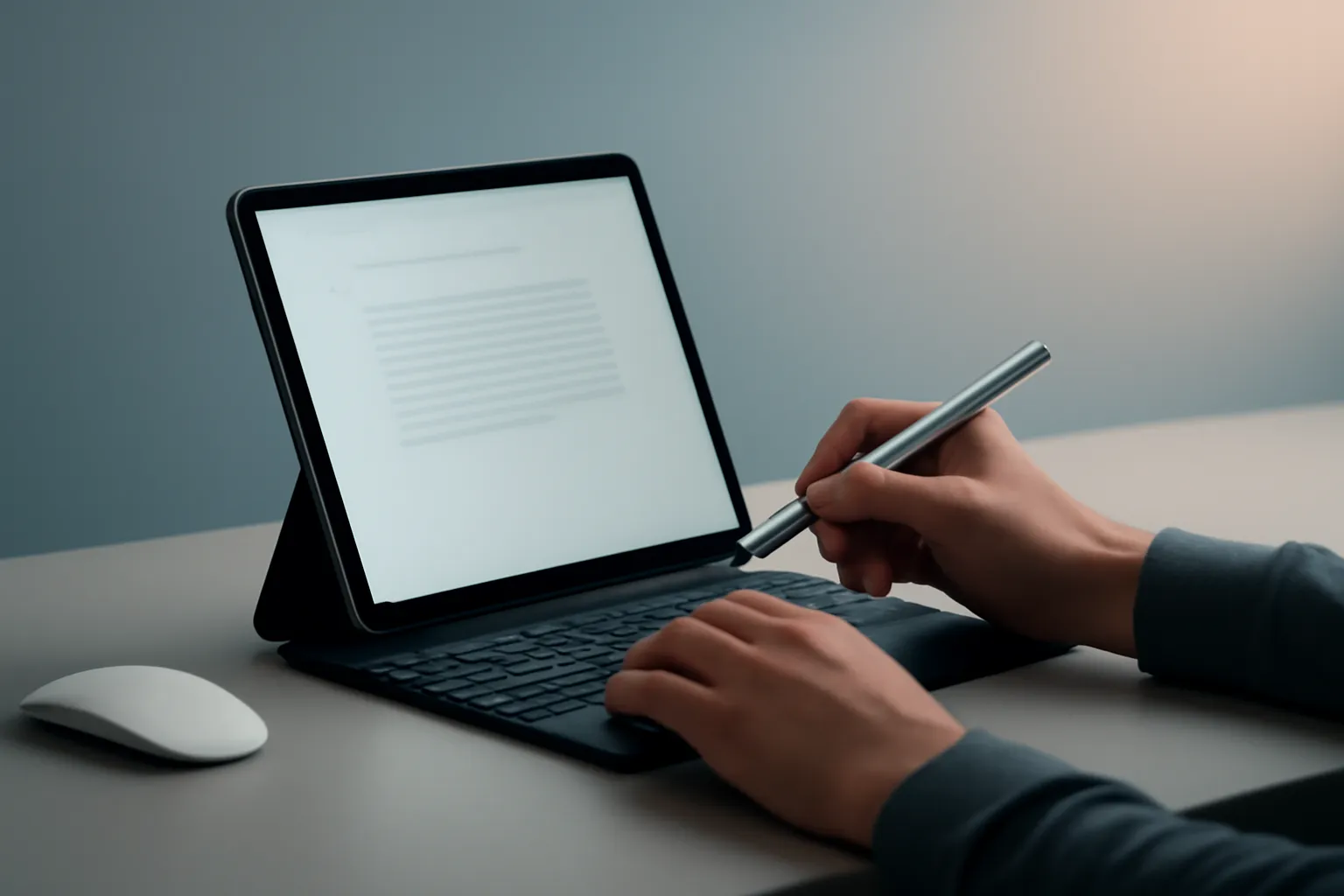
iPad Pro replaces laptop when the goal is to work and create with speed, mobility and less friction in everyday use. The idea gains traction because it combines an Apple Silicon chip from the M family, a ProMotion display at 120 Hz and a more mature ecosystem of pro apps on iPadOS. For anyone living in email, documents, notes, light-to-medium editing and creative tasks, the iPad Pro promises to be the only device you need. Still, there are practical limits: file management, desktop-style multitasking and compatibility with specific software.
Big Picture: why iPad Pro replaces laptop for so many people
The central argument is not about more power, but the feeling of immediacy. A traditional laptop tends to kick in fans, boot cycles and heavy applications; the iPad Pro bets on instant-on, consistent battery life and direct touch and stylus interaction. In 2026, this balance matters more because work has become more distributed: hybrid meetings, cloud, real-time collaboration and content creation for short formats.
When iPad Pro replaces laptop, it is usually because the user already lives in modern apps and online services: productivity suites, project managers, image and video editing in optimised apps and synchronised file libraries. If your workflow depends on legacy applications, specific browser extensions or internal tools that require a desktop OS, the story changes.
For additional context on the tablet landscape and alternatives, it is worth cross-referencing iOutlet's editorial guide: best tablets in 2025.
Architecture & Specifications: what makes the iPad Pro desktop-class
The source text highlights three pillars: Apple Silicon chip (M series), ProMotion display and accessories (Apple Pencil and keyboards with trackpad). Apple Silicon is the name for Apple's processor family; in the iPad Pro's case, the logic is to bring the architecture used in Macs to ensure performance headroom in demanding apps.
In practice, this headroom translates to tasks like video editing in 4K, handling large graphics files and heavier audio sessions in apps designed for iPad. The smoothness of the 120 Hz ProMotion display also matters: it does not speed up exports, but it reduces perceived latency in scrolling, drawing and navigation, which has a real impact on productivity and visual comfort.
Another technical point with direct implications is the USB‑C/Thunderbolt port (depending on generation). Thunderbolt is a high-bandwidth connection technology that makes docks, fast storage and some external monitor scenarios easier. This is where the iPad Pro gets closer to a desktop setup, with the difference that iPadOS continues to impose its own rules on windows, files and peripherals.
If you want to understand how Apple is positioning iPadOS and which models are most interesting for the latest version of the system, this iOutlet article helps to provide context: best iPads for iPadOS 26.
Real-World Use Cases: where iPad Pro replaces laptop without compromise
There are three profiles where iPad Pro replaces laptop with less friction. First, students and professionals who live in reading, note-taking and writing: PDFs, stylus notes, research and text production with a keyboard. Second, visual creatives: drawing, illustration, retouching and layout review, where the Apple Pencil and display make a difference. Third, operational and remote work: email, task management, dashboards, meetings and editing content for social media.
The gain here is less about replacing a powerful PC and more about replacing the ritual of opening a laptop for short tasks. The iPad tends to be faster to get into work and more comfortable for switching between consumption and creation. With accessories like a keyboard and trackpad, the ergonomics get close to a 2‑in‑1, but with a touch-first approach.
There is also a perceived longevity factor: when the hardware has headroom, the user feels less urgency to upgrade. The source text mentions this headroom as one of the recurring praises in forums, although this always depends on the evolution of apps and iPadOS.
Limitations & Challenges: what still prevents a full switch
The main brake is not the hardware. It is the system and the software ecosystem. Even with multitasking improvements such as Stage Manager, iPadOS remains different from macOS/Windows in how it handles windows, automation, advanced file management and some professional workflows. If your day involves multiple always-open windows, scripts, specific extensions or rigid corporate tools, iPad Pro replaces laptop only partially.
There is also the total cost issue. The source text underlines that once you add the Apple Pencil and Magic Keyboard or equivalent, the price enters premium laptop territory. That does not invalidate the product, but it forces a practical question: are you paying for power, mobility, display, stylus or all at once?
Finally, there is the question of compatibility with peripherals and external monitors. The port may allow quick connections, but the final experience depends on what iPadOS allows in terms of resolution, window management and app behaviour on larger screens.
What changes for the user: a checklist before deciding
If you are evaluating whether iPad Pro replaces laptop in your case, the decision improves when made by task rather than by specification. Make a list of your typical day and check these points:
1) Critical apps: do iPadOS versions exist with the features you need? If you depend on a specific desktop application, confirm alternatives or remote access.
2) Files and storage: where do your documents live (cloud, NAS, external drive)? Test the import and export flow and folder organisation.
3) Peripherals: do you need an external monitor, hubs, audio, fast storage? Make sure your setup is compatible and the experience is acceptable.
4) Ergonomics: will you be writing for hours on end? A keyboard with trackpad changes everything, but it also changes the weight and cost.
5) Returns policy and lead times: if the purchase is to test the workflow, confirm the conditions first. At iOutlet, you can check returns policy and delivery times to avoid surprises.
For editorial transparency, the starting point of this analysis is the original article published on ad-hoc-news.de.
Next Steps: how to decide without falling for the hype
The most realistic scenario is this: iPad Pro replaces laptop for a growing number of users, but not for everyone. If your work is mostly web-based, collaborative, light-to-medium creation and quick production, the iPad Pro might be the most practical machine you have ever owned. If you need a classic desktop environment, legacy software or highly customised workflows, the iPad Pro works better as a second device, or as a laptop only when you are willing to adapt your processes.
The right decision is the one that reduces friction in your day. And that is measured in minutes saved, not in promises.
FAQ
- Does iPad Pro replace a laptop for remote work (meetings, email, documents)?
- In most cases, yes. For video conferencing, email, documents and cloud collaboration, the iPad Pro is strong. Just check whether your company requires specific VPN software, certificates or internal apps with special requirements.
- Do I really need a Magic Keyboard for productivity?
- It is not mandatory, but it makes a difference if you write a lot. A keyboard with trackpad brings the experience closer to a laptop; without it, the iPad Pro remains excellent for touch, stylus and quick tasks.
- What is ProMotion and why does it matter?
- ProMotion is the display technology with a refresh rate of up to 120 Hz. It does not increase power, but it makes scrolling, animations and drawing smoother with lower perceived latency.
- Can I connect an external monitor and work like a desktop?
- You can connect a monitor via USB‑C/Thunderbolt depending on the model, but the experience depends on iPadOS and the apps. For some workflows it works well; for heavy multitasking with many windows, it may not replace a classic desktop.
- What are the signs that I should not switch from a laptop to an iPad Pro?
- Dependence on specific desktop software, need for unlimited multiple windows, advanced automations, critical browser extensions or very complex file management. In these cases, the iPad Pro may be a supplement, not a replacement.
Get more articles like this one.
Refurbished tech analysis + €5 with BEMVINDO5 on your first order. Valid on your first order of €50 or more.





