
TL;DR:
- System Requirements: macOS 10.13 or later; 4GB of RAM recommended; 2GB of free disk space.
- Download Link: Google Earth Pro download.
- Installation Steps:
In this article
- How do you download Google Earth on your MacBook Pro?
- What are the system requirements for Google Earth on MacBook Pro?
- Where can you find the Google Earth download link for MacBook Pro?
- What are the steps to install Google Earth on MacBook Pro?
- What are the benefits of using Google Earth on your MacBook Pro?
- Conclusion
- Read also
- Download it from the website above.
- Find the "GoogleEarthProMac-Intel.dmg" file in Finder.
- Drag the Google Earth icon to the Applications folder.
- Double-click Google Earth in the Applications folder to launch it.
- Benefits: High-resolution imagery, 3D viewing, Google Street View, map creation, GIS data import/export, access to historical imagery, tools such as Earth Engine, Earth Studio, Earth VR and Earth Outreach.
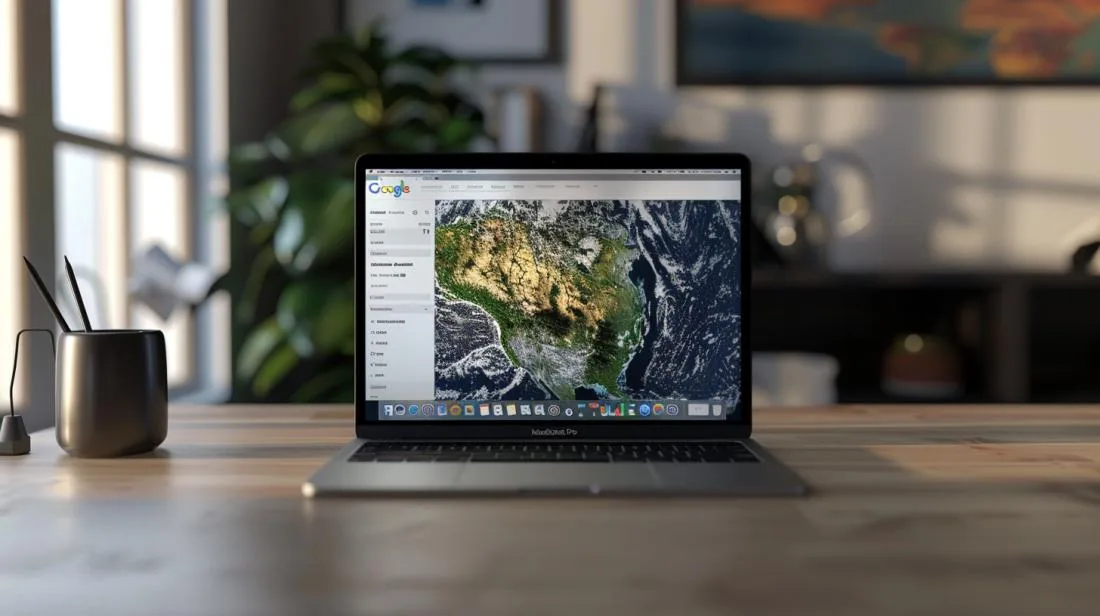
Want to know how to download Google Earth on your MacBook Pro? You’re in the right place! In this post, I’ll show you a simple, straightforward guide to downloading and installing Google Earth. It isn’t difficult and you’ll have a detailed view of the Earth in just a few minutes. Let’s get started now!
How do you download Google Earth on your MacBook Pro?
What are the system requirements for Google Earth on MacBook Pro?
To run Google Earth on MacBook Pro, you need macOS 10.13 (High Sierra) or later. Some advanced features, such as 3D imagery, may require a dedicated graphics card. In addition, at least 4GB of RAM is recommended for a smooth experience. It’s important to have free disk space, around 2GB, for installation and day-to-day use.
Where can you find the Google Earth download link for MacBook Pro?
To download Google Earth, visit the Google Earth Pro download website. At this link, you’ll find the latest version of Google Earth Pro. If you prefer, you can also access the Google Earth support page for detailed instructions and to troubleshoot possible issues.
What are the steps to install Google Earth on MacBook Pro?
Follow these simple steps to install Google Earth on your Mac:
- Go to the Google Earth Pro download website.
- Click the download button and wait for it to finish.
- In Finder, locate the "GoogleEarthProMac-Intel.dmg" file.
- Open the downloaded file and drag the Google Earth icon to the Applications folder.
- Open the Applications folder and double-click Google Earth to launch it.
Now, explore the world, use high-resolution imagery and enjoy 3D viewing with your MacBook Pro.
What are the benefits of using Google Earth on your MacBook Pro?
Google Earth on MacBook Pro offers incredible advantages. You can explore high-resolution satellite imagery and 3D terrain. This lets you see the world in impressive detail. Another benefit is Google Street View. It brings a 360° perspective, making it feel as though you are there.
Using Google Earth to create maps is very practical. You can do this anywhere, as long as you have the app on your iPhone. Google Earth Pro for desktop brings advanced features, such as importing and exporting GIS data. You can access historical imagery, seeing how areas have changed over time. The current version is 7.3, which carries out recommended updates automatically.
Earth Engine is a useful tool for analysing environmental data. Earth Studio helps you create animations. With Earth VR, you can have an immersive virtual reality experience. Earth Outreach supports educational and community initiatives. All these features integrate well with MacBook Pro and improve your experience.
Google Earth on MacBook Pro is more than navigation. It’s about creating, exploring and learning. You can even contribute to improving Google Earth by sending usage statistics and crash reports. This ensures Google Earth remains fantastic for everyone!
Conclusion
Downloading and installing Google Earth on your MacBook Pro is easy. First, check the system requirements. Then, find the correct download link. Finally, follow the installation steps.
Using Google Earth on your MacBook Pro brings many benefits. You’ll have access to exclusive features and improved compatibility for an excellent experience.
In short, Google Earth offers powerful tools and is simple to install. Make the most of your MacBook Pro with this incredible tool.
Read also
- MACBOOK AIR, PRO OR IMAC: which Apple computer is right for me?
- Should I buy a desktop? Discover the advantages and disadvantages of iMac!
- Which MacBook to buy in 2023
- See refurbished MacBooks at iOutlet
Get more articles like this one.
Refurbished tech analysis + €5 with BEMVINDO5 on your first order. Valid on your first order of €50 or more.





