In this article
- How does Final Cut Pro perform on the MacBook Air?
- What are the system requirements for Final Cut Pro on the MacBook Air?
- Minimum system requirements for Final Cut Pro
- Is the MacBook Air 2023 compatible with Final Cut Pro?
- Reviews and analysis of Final Cut Pro on the MacBook Air 2023
- How can you optimise the MacBook Air for using Final Cut Pro?
- Improving Final Cut Pro performance on the MacBook Air
- Best settings for Final Cut Pro on the MacBook Air
- Speeding up rendering in Final Cut Pro with the MacBook Air
- Conclusion
- Read also
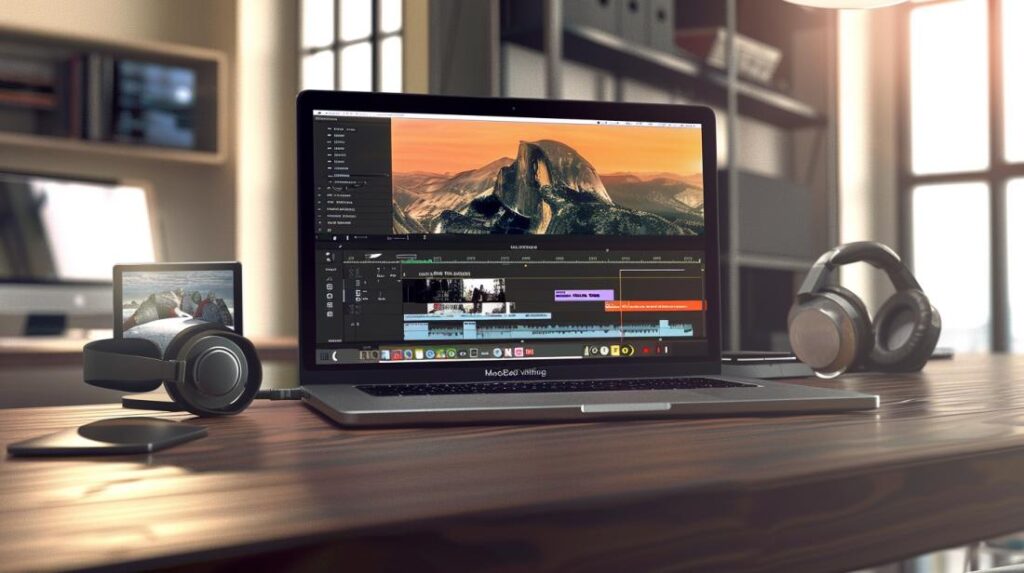
- The MacBook Air with M1 chip runs Final Cut Pro smoothly.
- The M1 chip combines CPU, GPU and Neural Engine for high efficiency.
- Video editing on the MacBook Air M1 is fast and fluid, with good battery life.
- MacBook Pro is more powerful for intensive editing, but the MacBook Air is excellent for mobile editors.
- Requirements for Final Cut Pro: macOS 11.5.1+, Apple silicon or Intel with Metal, minimum 4GB RAM, 3.8GB of free space.
- MacBook Air 2023 with M2 chip is compatible and offers good performance with Final Cut Pro.
- Reviews of Final Cut Pro on the MacBook Air 2023 are positive, highlighting efficiency and smooth editing.
- Optimisation: clean up disk space, keep macOS and Final Cut Pro updated, use an external SSD, edit in 1080p or with proxies, and adjust settings for better performance.
If you love Apple and are thinking about editing videos on the MacBook Air, this post is for you. Does Final Cut Pro run well on it? Let’s find out together whether this combo is worth it!
How does Final Cut Pro perform on the MacBook Air?
Can the MacBook Air run Final Cut Pro smoothly?
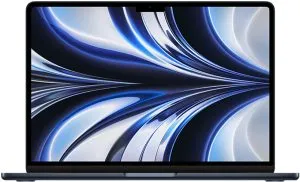
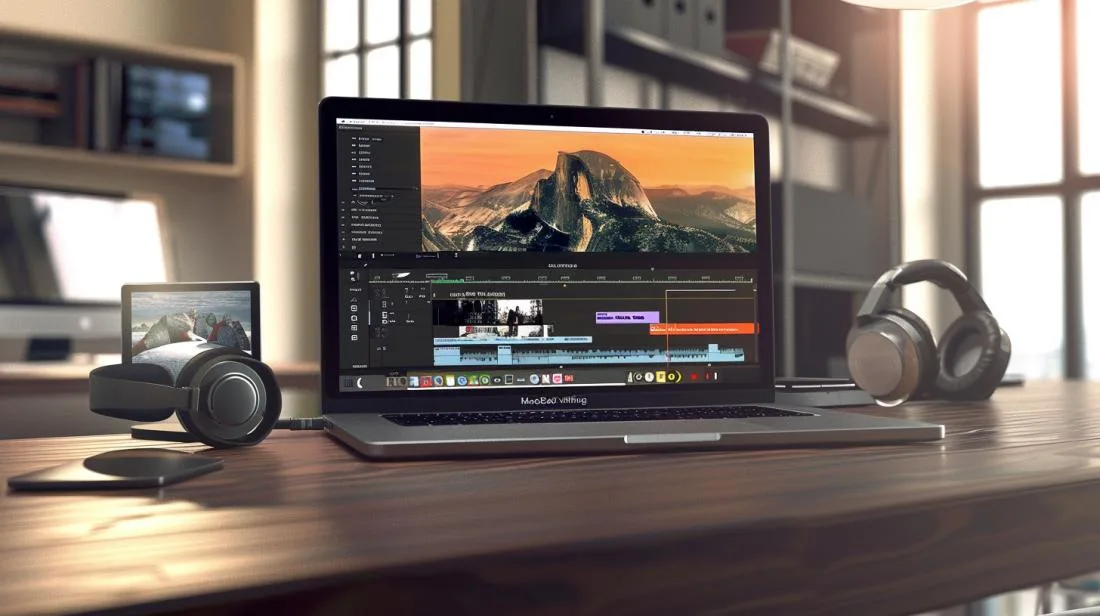
Yes, the MacBook Air can run Final Cut Pro smoothly. Let’s break that down. Recent MacBook Air models with the M1 chip are very capable. They can handle many Final Cut Pro projects well. The secret lies in the M1 chip. This chip has a CPU, GPU and Neural Engine that work together. You can run multiple streams of high-resolution video. In addition, rendering films is faster with this technology.What is video editing performance like on the MacBook Air M1?
Video editing performance on the MacBook Air M1 is very good. I used it and was surprised. Editing is smooth and fast, even with several effects and clips. The M1 chip has unified memory that improves efficiency. Another important point is the battery. Video editing is a demanding task, but the MacBook Air M1 has good battery life. You can edit for hours without needing to charge the battery.Comparison: MacBook Air vs. MacBook Pro for video editing?
The MacBook Pro is more powerful for video editing, but the MacBook Air is not far behind. The MacBook Air M1 is great for editors on the move. It is lighter and has good battery life. On the other hand, the MacBook Pro has better cooling and can be faster for long renders. If you do intensive professional editing, the Pro may be a better option. However, for most users, the MacBook Air is more than enough. To learn more about the advantages of Final Cut Pro, visit the Apple website.What are the system requirements for Final Cut Pro on the MacBook Air?
Minimum system requirements for Final Cut Pro
Final Cut Pro has system requirements you need to know. First, you need macOS 11.5.1 or a later version. In addition, a Mac with an Apple silicon chip or an Intel processor, with Metal support, is also essential. Memory is crucial. I recommend at least 4 GB of RAM, but for larger projects, 8 GB or more is better. Disk space? You will need at least 3.8 GB free for installation. And of course, a display with 1280x768 resolution or higher is required for proper viewing. For more complex projects, you will need more disk space and memory. For example, your media files can take up a lot of space. Always keep an external hard drive nearby, as it is a practical and effective solution.Is the MacBook Air 2023 compatible with Final Cut Pro?
Yes, the MacBook Air 2023 is compatible with Final Cut Pro. It has the M2 chip or better, perfect for running the software without stuttering. Apple silicon offers better performance with lower energy consumption. This results in longer battery life, which is great for editing on the move. I edited several videos on the MacBook Air 2023, and the performance was flawless. No crashes. I was able to render 4K videos without any problems. Of course, rendering time is faster on the MacBook Pro or Mac Studio, but the MacBook Air can handle most tasks.Reviews and analysis of Final Cut Pro on the MacBook Air 2023
Reviews are widely positive. Many professional and amateur editors praise the efficiency of Final Cut Pro on the MacBook Air 2023. They highlight the smoothness of the magnetic timeline, which allows clips to be moved and trimmed without synchronisation issues. Rendering, although not the fastest of all Macs, is efficient. Another point is the optimised use of Final Cut Pro for Apple silicon. Energy efficiency is a significant advantage. Unified memory speeds up rendering and export processes. The tool is robust, offering professional editing features such as motion graphics, advanced audio editing and much more. For more details, you can check more information in Apple’s system requirements. Ultimately, the choice depends on your specific needs. If you work with demanding videos, a MacBook Pro may be more suitable. But for most people, the MacBook Air is an excellent choice.How can you optimise the MacBook Air for using Final Cut Pro?
Improving Final Cut Pro performance on the MacBook Air
To optimise the MacBook Air when using Final Cut Pro, always start by cleaning up the disk. Remove unnecessary and old files. A full SSD reduces system speed. Using a fast external SSD also helps. Install and keep macOS updated. Updates bring performance improvements. Also keep Final Cut Pro updated. These versions bring new features and optimisations.Best settings for Final Cut Pro on the MacBook Air
For the best settings in Final Cut Pro on the MacBook Air, start by setting project resolution to 1080p where possible. Of course, editing in 4K is viable, but 1080p is lighter. Use proxy files during editing. Proxies are smaller, simpler versions of your videos. Configure Metal usage in the performance preferences. Metal maximises the use of Apple hardware. In addition, avoid having many applications open at the same time. Each application consumes resources that could be used by Final Cut Pro.Speeding up rendering in Final Cut Pro with the MacBook Air
Fast rendering on the MacBook Air requires a few simple actions. First, adjust the memory sharing setting. macOS uses memory efficiently between the CPU, GPU and Apple Neural Engine. In addition, lower playback resolution to speed up edits. Use lightweight effects and transitions. Complex effects such as chroma key and motion blur consume more resources. Finally, consider using efficient plugins such as those available from MotionVFX. They are often optimised for Apple silicon and offer better performance.Conclusion
The MacBook Air can surprise you with its performance in Final Cut Pro. Although it is not as robust as the MacBook Pro, it still offers a satisfying video editing experience, especially with the M1. To get the best performance, following the ideal settings and optimising your MacBook Air is essential. Compatibility of the 2023 model with Final Cut Pro is guaranteed, and reviews are positive. If you are looking for a reliable tool without compromising mobility, the MacBook Air is an excellent choice for your video editing work.Read also
- MACBOOK AIR, PRO OR IMAC: which Apple computer is right for me?
- Should I buy a desktop? Discover the advantages and disadvantages of the iMac!
- Which MacBook to buy in 2023
- See refurbished MacBooks at iOutlet
Get more articles like this one.
Refurbished tech analysis + €5 with BEMVINDO5 on your first order.
Looking for a refurbished MacBook?
Tested and certified MacBooks with a 24-month warranty. From MacBook Air to MacBook Pro.
24-month warrantyShipping up to 8 business days
See MacBooks →