
TL;DR:
- MacBook Air audio jack: 3.5 mm.
- DC load detection capability and adaptive voltage output.
- Sound output adjusted according to headphone impedance:
- Up to 1.25 volts RMS for headphones <150 ohms.
- Up to 3 volts RMS for headphones between 150 and 1000 ohms.
- Compatibility: most headphones with a 3.5 mm connector.
- Option to use adapters for headphones with different connectors.
- Types of adapters:
- USB-C to 3.5 mm.
- Lightning to 3.5 mm.
- Adapters available from the official Apple store.
In this article
- What is the size and type of the MacBook Air audio jack?
- Headphone compatibility with the MacBook Air
- Which headphones are compatible with the MacBook Air audio input?
- Do I need an adapter to use my headset with the MacBook Air?
- What types of adapters are available for the MacBook Air?
- Conclusion
- Read also
Want to know the size of your MacBook Air audio jack? I’ll show you the correct format and make sure you have no compatibility issues with your headphones. Discover all the specifications and details of this essential connector for a great audio experience. Shall we?
What is the size and type of the MacBook Air audio jack?
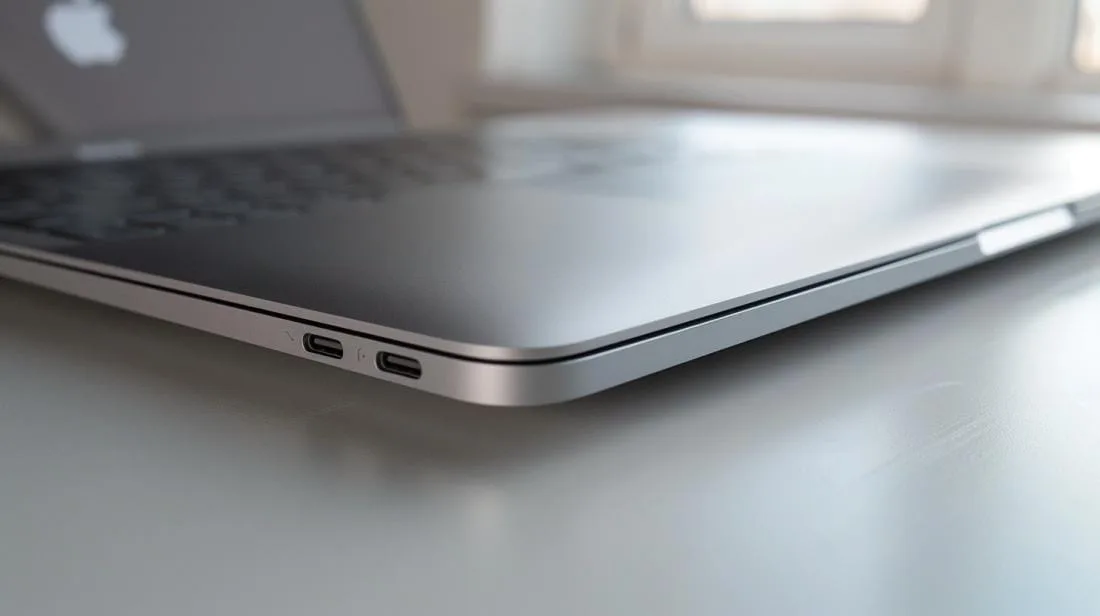
The MacBook Air audio jack is 3.5 mm. This standard size is compatible with most headphones. But what makes this connector special? It has DC load detection capability and adaptive voltage output. This means the MacBook Air can adjust the sound output based on your headphone impedance.
For headphones with an impedance below 150 ohms, the output is up to 1.25 volts RMS. For headphones between 150 and 1000 ohms, the output goes up to 3 volts RMS. This may remove the need for external amplifiers. More details about the MacBook Air can be found here.
Headphone compatibility with the MacBook Air
Which headphones are compatible with the MacBook Air audio input?
Most headphones with a 3.5 mm connector work with the MacBook Air. This includes both simple headphones and more advanced headsets. The MacBook Air adapts the audio output according to the headphones’ impedance. This means that, if the headphones have less than 150 ohms, the output will be up to 1.25 volts RMS. If the impedance is between 150 and 1k ohms, the output will go up to 3 volts RMS.
Do I need an adapter to use my headset with the MacBook Air?
Some headphones need adapters to work with the MacBook Air. This is common for headphones that have connectors other than the standard 3.5 mm. There are several compatible audio adapters that can be used with the MacBook Air.
What types of adapters are available for the MacBook Air?
The most common adapters include USB-C to 3.5 mm and Lightning to 3.5 mm. These adapters are available from the official Apple store and work well with most headphones. Check the Apple website for more details on compatibility.
Conclusion
To recap, we discussed the size and type of the MacBook Air audio jack, its specifications, dimensions and features. We also explored headphone compatibility, the need for adapters and the types of adapters available. In short, buying a MacBook Air ensures a versatile, high-quality audio experience. Now, when choosing your next headphones or adapter, you’ll have the information you need to make the best decision.
Read also
- MACBOOK AIR, PRO OR IMAC: which Apple computer is right for me?
- Should I buy a desktop? Discover the advantages and disadvantages of the iMac!
- Which MacBook to buy in 2023
- View refurbished MacBooks at iOutlet
Get more articles like this one.
Refurbished tech analysis + €5 with BEMVINDO5 on your first order. Valid on your first order of €50 or more.





