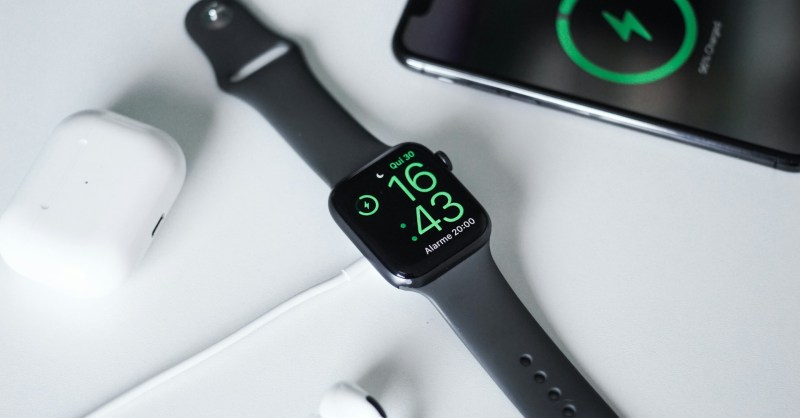
Maximise the battery life of your Apple Watch with these tips
In the ever-changing technology landscape, Apple has been a dominant force. Not just for its range of iMacs, iPhones and iPads, but also for its innovative Apple Watch. Now, find out how to extend the battery life of your watch even further.
In this article
Optimising your Apple Watch battery life
We all know that to make the most of your Apple Watch's features, you need to keep the device constantly charged. However, by following some recommendations, it's possible to make using this incredible device even more convenient.
Check a few things
Pay attention to the apps that consume the most battery, the number of notifications you receive and even the brightness of the screen: a decisive factor in energy consumption. Managing these settings correctly can help keep your Apple Watch off the charger and on your wrist for longer.
Maintaining healthy battery life on your Apple Watch not only provides a better user experience but also extends the durability of the device. Therefore, check and adjust these settings and make the most of your Apple Watch.
Conclusion
Whether you're a keen weekend athlete or a busy professional, the Apple Watch can be an indispensable companion. And with the tips mentioned above, you can optimise your device's battery life so it's always ready when you need it.
Just as you need to look after your health, you should also look after your Apple Watch's health. Therefore, follow these tips and maximise the battery life of your Apple Watch.
Guarantee an uninterrupted and high-quality experience with your device by keeping the battery healthy for much longer.
Made with AI.
Source: The Manual https://www.themanual.com/fashion/apple-watch-batterly-life-tips/
Reviewed by:
Also read
- iPhone and battery: a tricky problem?
- Myth or truth: the biggest questions about Apple!
- iPhone stolen? All the tips to stay safe
- View refurbished Apple Watch devices on iOutlet
Extra tips
- iPhone Shortcuts: the Shortcuts app lets you automate repetitive tasks
- Focus Mode: set up profiles for Work, Personal and Sleep to filter notifications
- Quick Text: in Settings → General → Keyboard → Text Replacement, create shortcuts for long phrases
More tips on our iOutlet blog.
Diagnostic tools
Get more articles like this one.
Refurbished tech analysis + €5 with BEMVINDO5 on your first order. Valid on your first order of €50 or more.