How to unlock Samsung phone without losing data: what works and what to avoid
In this article
- 1) Before you make changes: confirm the type of lock (and the real risk)
- 2) If you can still access the phone: change your lock in Settings (safest method)
- 3) No screen access: use Samsung Find My Mobile (if you were prepared)
- 4) Third-party apps and software: why "easy unlock" usually costs you
- 5) Carrier lock (network/SIM): it's different from screen lock
- 6) When nothing works: factory reset (last resort, with consequences)
- What to do now
- Frequently asked questions
- How to unlock Samsung phone without losing data?
- Does Samsung Find My Mobile always unlock the screen?
- Is carrier lock the same as screen lock?
- Are third-party apps to unlock Samsung safe?
- Does a factory reset unlock Samsung?
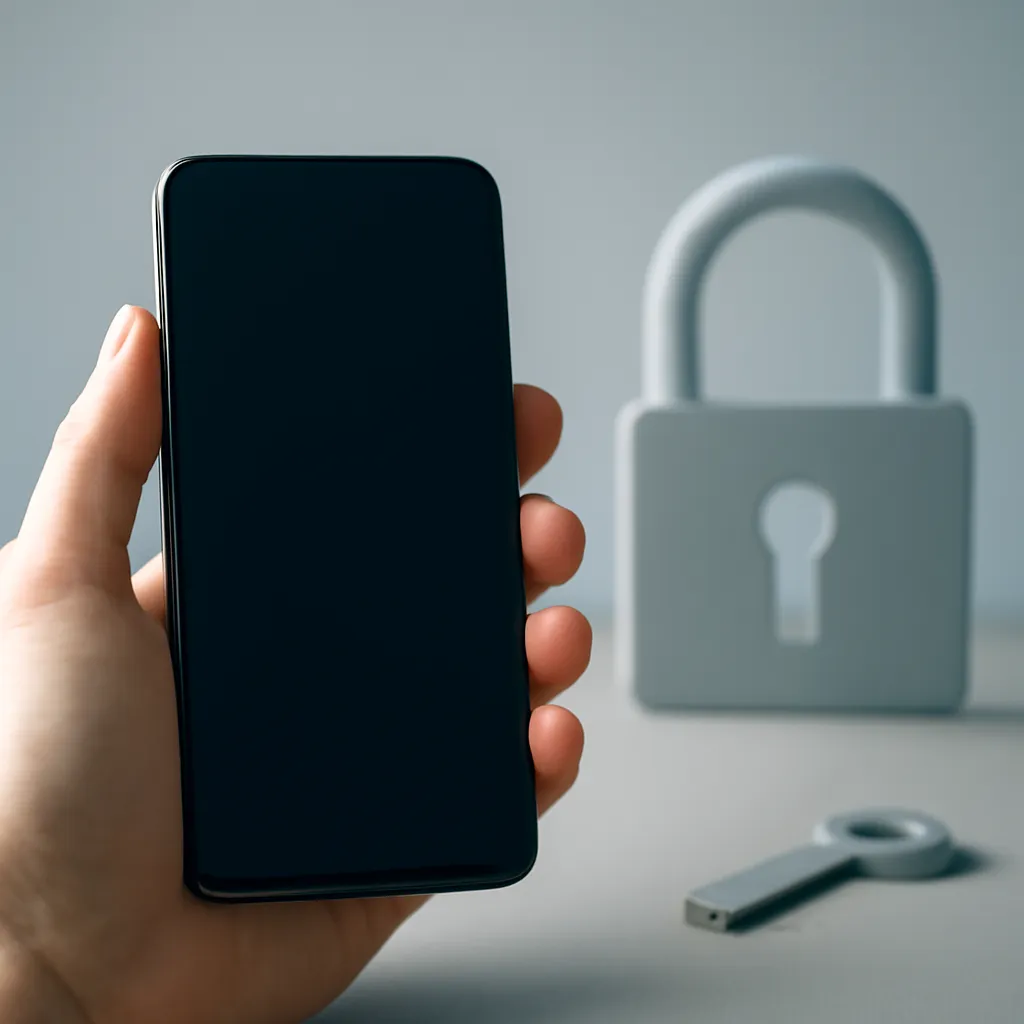
If you're looking for how to unlock Samsung phone without losing data, the critical point is to distinguish between "screen unlock" (PIN/pattern/password/biometrics) and "factory reset" (which erases everything) and "carrier lock" (network/SIM). In practice, the safest approach starts with Android itself: if you still have access to the system, changing your unlock method in Settings solves the problem without touching your files. If you can no longer get in, Samsung Find My Mobile can unlock remotely: but it depends on whether you enabled that option beforehand. The rest (miracle apps, account bypasses) is where problems typically arise.

1) Before you make changes: confirm the type of lock (and the real risk)
"Locked phone" can mean different things:
- Screen lock: PIN, pattern, password, fingerprint or facial recognition. This is the typical scenario when you forget your code or biometrics fail (wet finger, low light, mask, etc.).
- Account lock after reset (FRP): Android protection that may ask for the previous Google account after a factory reset. It's not a "code to unlock"; it's an anti-theft measure.
- Carrier lock (SIM/network lock): the phone works, but won't accept SIM cards from other networks.
If your goal is how to unlock Samsung phone without losing data, avoid from the start any option that mentions "factory reset", "wipe data" or "format".
2) If you can still access the phone: change your lock in Settings (safest method)
If the phone still unlocks (by biometrics or because you still remember the current code), do this carefully:
- Open Settings > Lock screen > Lock screen type.
- Choose a new method (PIN/pattern/password) and confirm the current one when prompted.
- If the system allows, you can select None to temporarily remove the lock (not recommended for daily use).
This is the most direct path to how to unlock Samsung phone without losing data, because it doesn't involve remote recovery or external tools. Take the opportunity to review your security and recovery options (Samsung account, Google, and backups). For more practical guides on Android and everyday security, check out the Technology section on the iOutlet blog.
3) No screen access: use Samsung Find My Mobile (if you were prepared)
Samsung Find My Mobile is Samsung's official method to locate and manage devices associated with your Samsung account. In some cases, it allows you to unlock the screen remotely without erasing data.
How to do it:
- On a computer or another phone, go to Samsung Find My Mobile.
- Sign in with the Samsung account used on the locked phone.
- Select the device and look for the Unlock option (availability may vary by model/version/security status).
Important note: this usually only works if the phone already had Remote unlock enabled before the lock and if it's connected to the internet. If you've never configured this option, don't rely on it as your "plan A" for emergencies.
If you need official support (for example, questions about account, access and security policies), the safest reference is Samsung Support Portugal.
4) Third-party apps and software: why "easy unlock" usually costs you
Third-party tools for unlocking Android screens vary widely in quality and transparency. In practical terms, there are three recurring risks:
- Privacy and permissions: some solutions ask for excessive access, collect data or install additional components that are hard to audit.
- Data loss: many "methods" end up leading to a factory reset, even when they promise otherwise.
- Account/FRP bypass: besides being a grey area (or clearly unethical) in many contexts, it's also where most scams and malicious software appear.
If you're trying to figure out how to unlock Samsung phone without losing data, our editorial recommendation is conservative: prioritise system features and official channels. If you still consider third-party tools, read the privacy policy, look for clear technical documentation and avoid solutions that rely on "bypassing" anti-theft protections.
5) Carrier lock (network/SIM): it's different from screen lock
A Samsung phone "locked to a network" is not solved with PIN/pattern or Find My Mobile. Here the procedure is administrative: contact your carrier and prepare your IMEI and proof of purchase. Carrier unlock doesn't touch your data and doesn't replace screen unlock.
6) When nothing works: factory reset (last resort, with consequences)
A factory reset (resets via Recovery/Settings) erases apps, photos and settings. It may restore access to your phone, but:
- You lose data that isn't backed up.
- You may need to authenticate again with the associated Google account/Samsung account (anti-theft measures).
If you're trying to avoid data loss, this step only makes sense once you've confirmed there's no recovery path (Settings/Samsung account) and when you're sure you can recover the credentials afterwards.
What to do now
- If you can still access the phone: go to Settings > Lock screen > Lock screen type and change the method carefully.
- If you're locked out: try Samsung Find My Mobile and check if "Remote unlock" was active.
- Avoid "miracle" apps and any promise of FRP/account bypass.
- If it's a network lock: contact your carrier with IMEI and proof of purchase.
- If you're considering a reset: stop and confirm backups and credentials first.
If you want to explore more diagnostic articles and best practices for smartphones, you can find more content on the iOutlet blog.
Frequently asked questions
How to unlock Samsung phone without losing data?
The safest way is to change the lock type in Settings if you still have access to the system. If you're completely locked out, try Samsung Find My Mobile (Unlock option), provided remote unlock was already enabled.
Does Samsung Find My Mobile always unlock the screen?
No. It depends on whether the phone is associated with a Samsung account, has internet connection and has remote unlock option enabled beforehand. Availability may vary by model and configuration.
Is carrier lock the same as screen lock?
No. Carrier lock prevents the use of SIM cards from other networks and is resolved with the carrier (IMEI and proof of purchase). Screen lock is PIN/pattern/password/biometrics.
Are third-party apps to unlock Samsung safe?
Many are not: they can ask for invasive permissions, compromise privacy or lead to a factory reset. Avoid tools that promise to bypass accounts/FRP and prioritise official methods.
Does a factory reset unlock Samsung?
It can restore access, but erases data. Moreover, after the reset you may need to sign in with the account previously associated with the device (anti-theft protection).
Get more articles like this one.
Refurbished tech analysis + €5 with BEMVINDO5 on your first order.