
iOutlet
Mobile Device Grading Guide
iOutlet describes each mobile device on two axes: visual grade and functional condition. The visual grade refers only to the exterior appearance. The functional condition appears in the Functionality field of the listing and indicates how the device performs and whether any fault has been identified.
Always read the unit listing. A specific photograph or description takes precedence over the general examples in this guide.
Example photos by grade
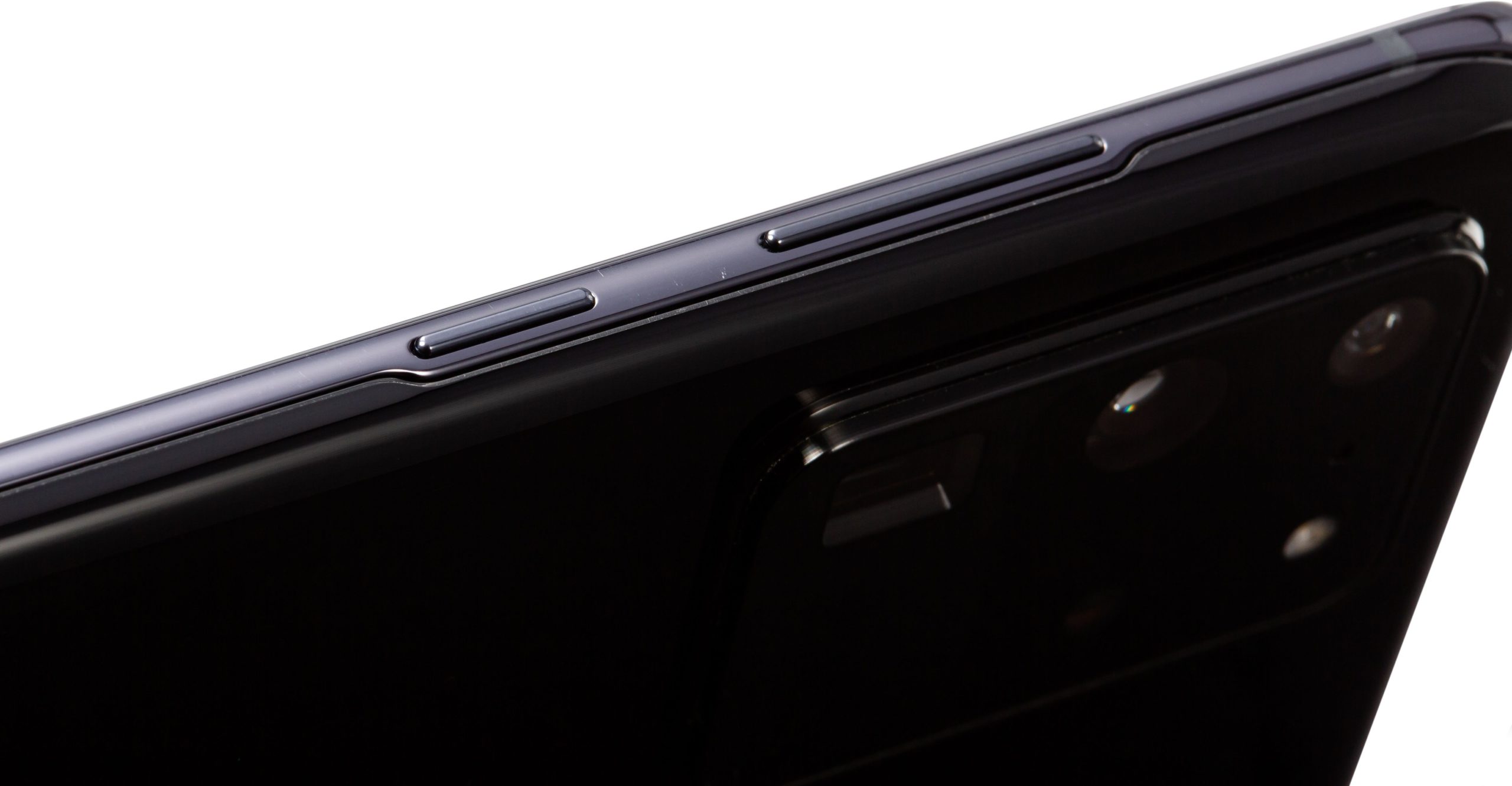
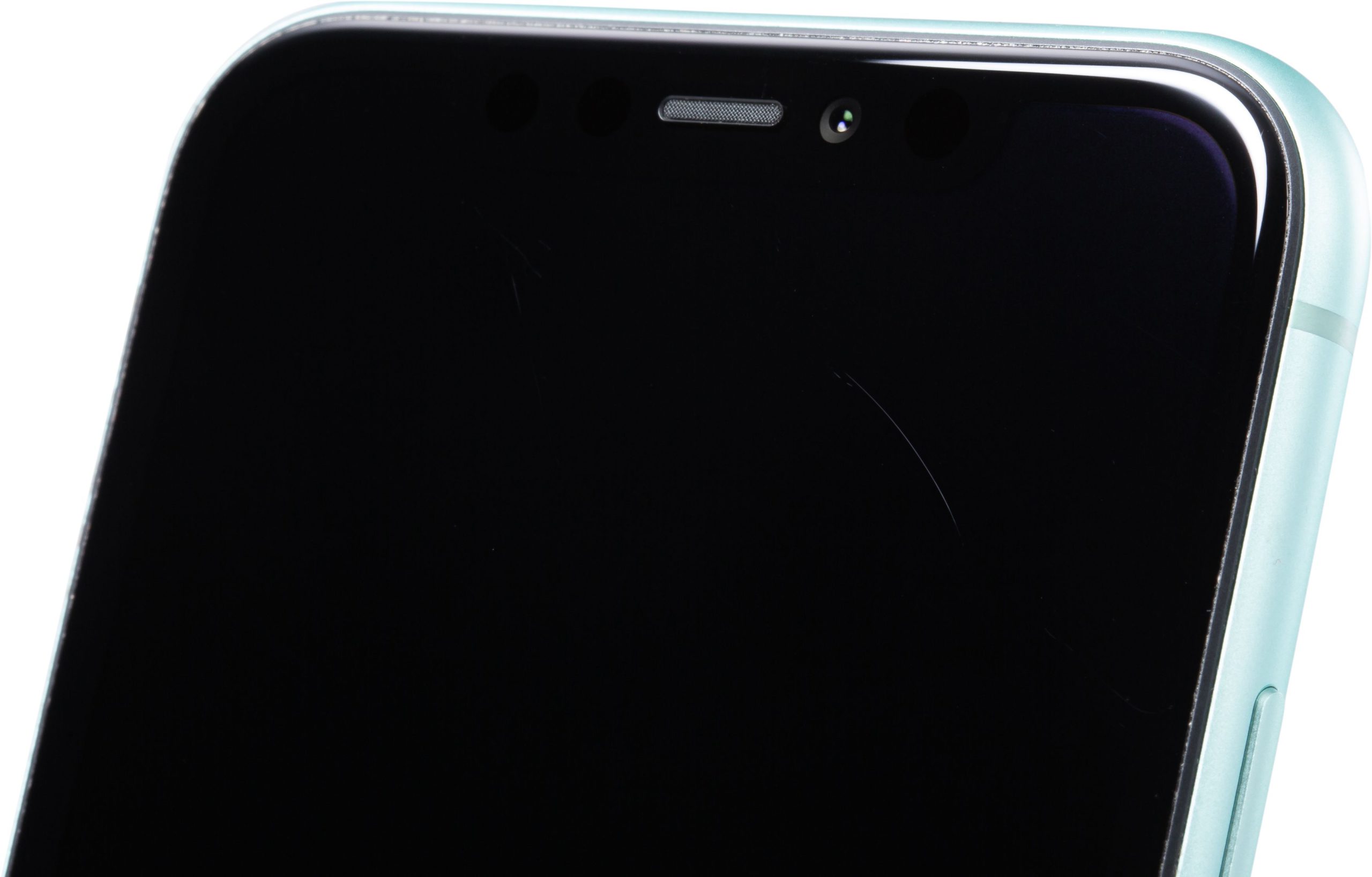
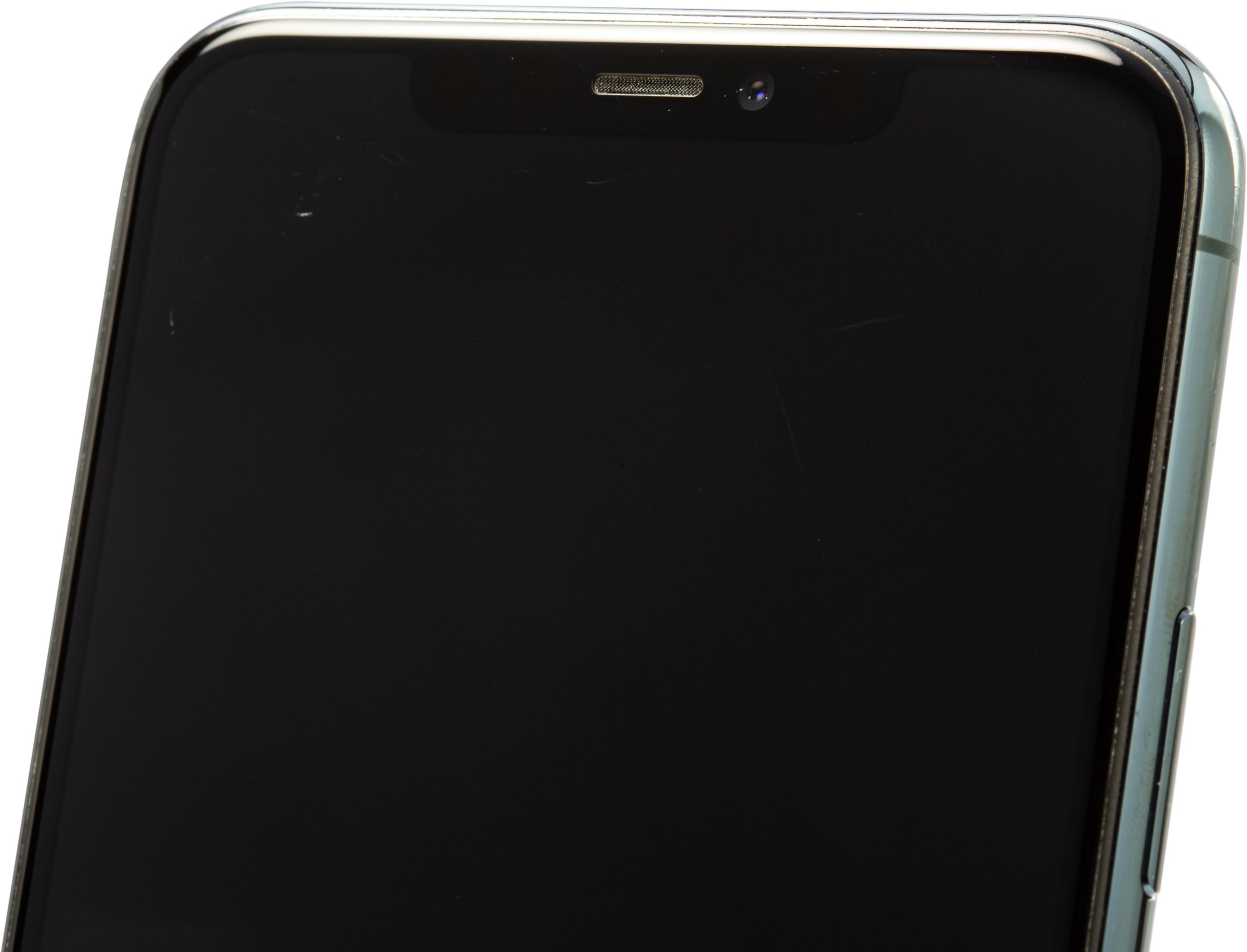
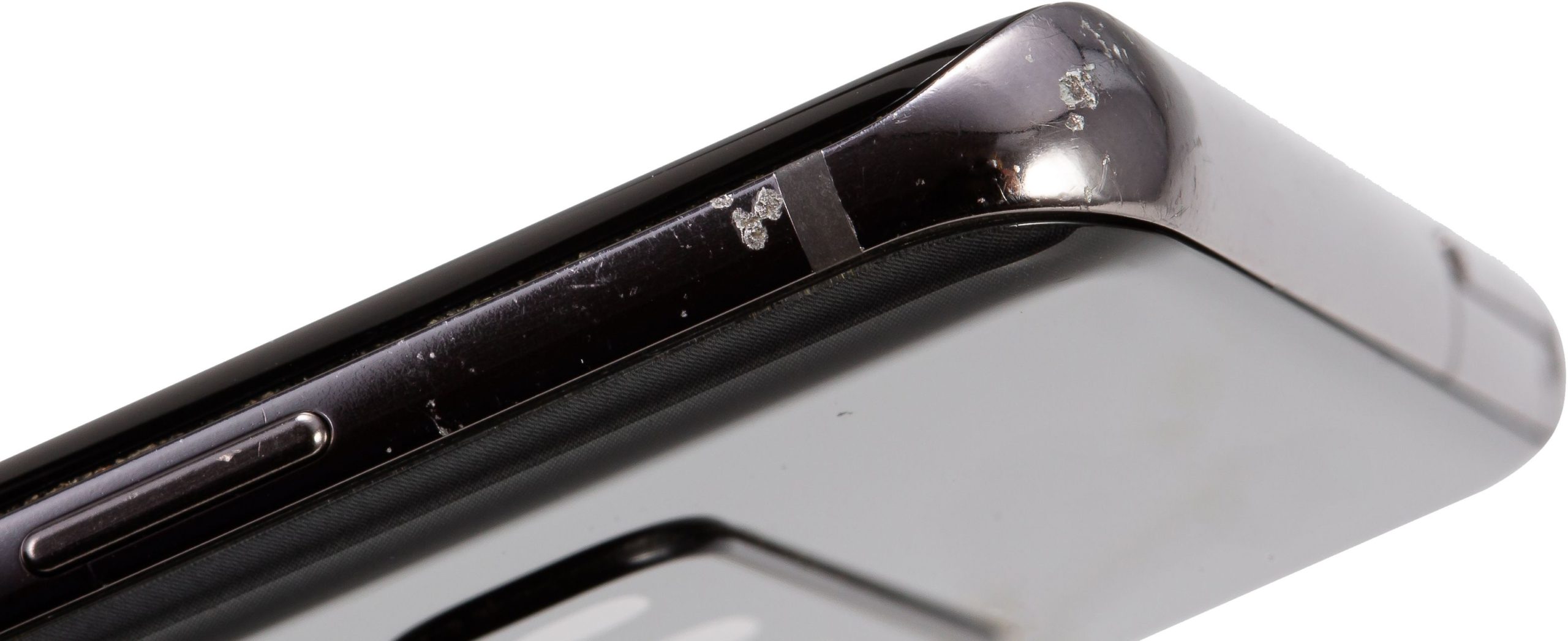
These photos illustrate wear at different grades. They do not show the unit you will receive. Always check the offer description.



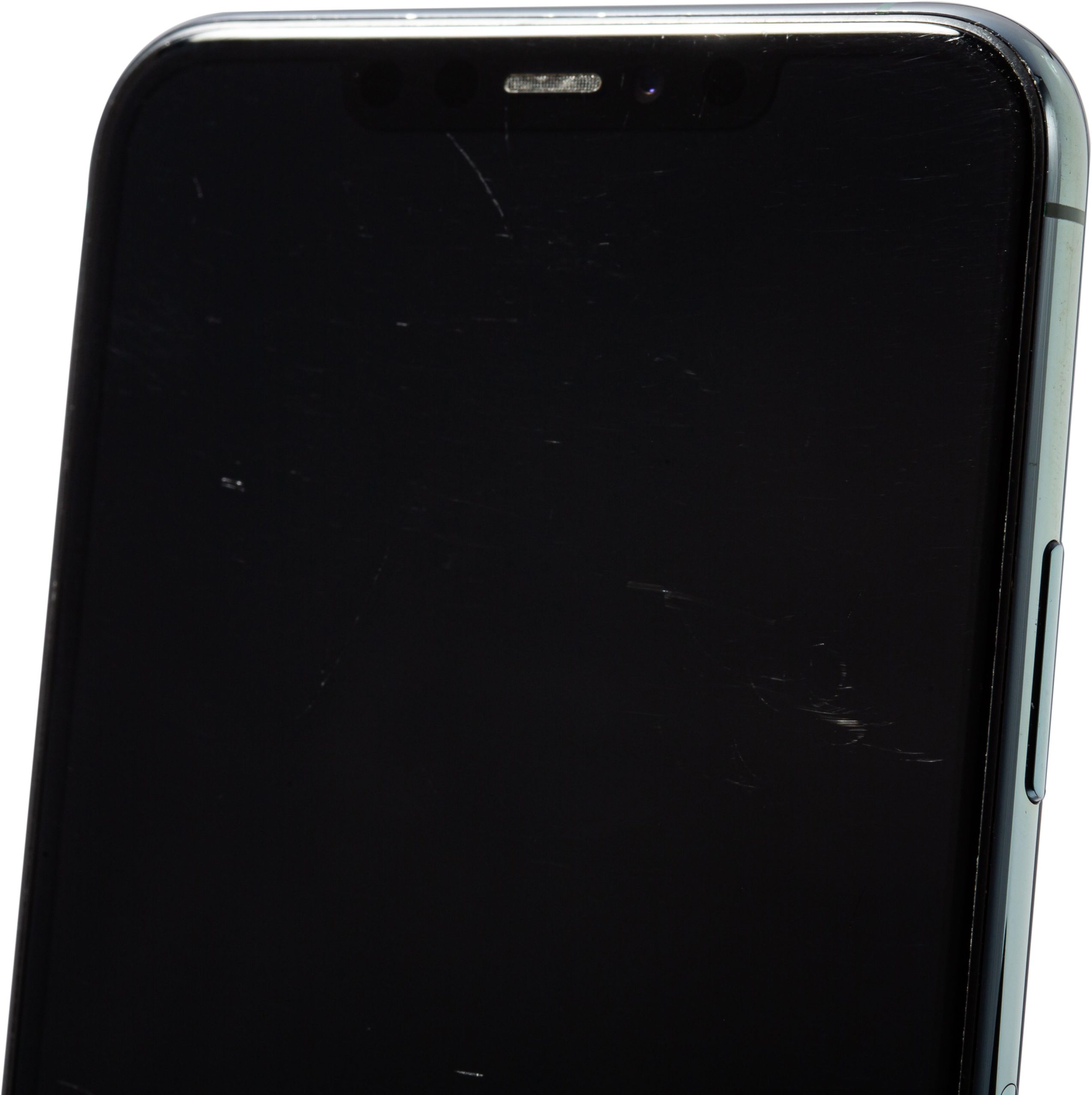
Visual grades
The catalogue uses 7 grades, from best to worst cosmetic condition: Grade Premium, Grade A, Grade AB, Grade B, Grade BC, Grade C Plus and Grade C.
Grade Premium
Immaculate condition, no visible marks. The frame may have a few fine scratches, usually near the charging port, and the back may have one or two fine scratches on the logo, imperceptible in normal use. The screen may have a few fine scratches that are not visible at arm's length or with the screen on.
Grade A
Excellent: minor imperceptible marks. The frame may have fine scratches and isolated spot marks. The back may show scattered fine scratches and a very small defect. On the screen, fine scratches are only visible at a certain light angle and with the screen off.
Grade AB
Very good: slight signs of use. Intermediate level: condition falls between Grade A and Grade B criteria.
Grade B
Good: signs of wear on the body. Some signs of wear are visible at arm's length. The body may have scratches and small dents. The back may show fine scratches, minor imperfections and slight discolouration. The screen may have fine scratches or a few scattered deeper scratches.
Grade BC
Acceptable: more evident signs of wear. Intermediate level: condition falls between Grade B and Grade C criteria.
Grade C Plus
Functional: moderate visible marks. The frame and back may be at Grade C level, but the screen is Grade B or higher. This grade separates the screen condition from exterior wear.
Grade C
Functional: significant marks, better price. Clear wear. The frame may have deeper scratches and dents, including cracks in the plastic. The back may show deep scratches, chips and discolouration. The screen may have several deep scratches and a fragment may be missing.
Functional conditions
Functional conditions describe how the device works. Grade D and Grade E are not part of the visual scale: they indicate a damaged device or one with a serious screen fault.
Functional
The device is physically complete and fully operational. The battery is tested with professional diagnostic software.
Minor fault
The device remains usable but has a minor cosmetic fault that does not prevent use. This may be a slightly loose component, a small impact mark, a minor LCD fault or pronounced cosmetic wear.
Grade D
The device is damaged but powers on and functions. It may have cracked glass, a bent frame, a loose button, or connectivity or camera faults. The LCD may show slight discolouration.
Grade E
The device powers on and functions but has a serious screen fault. This grade includes a black screen, severe discolouration, image retention, spots or lines.
No power
The device does not start up or will not stay on without the charger.
How to use this guide
Compare the visual grade first, then the functional condition. Also confirm the battery, included accessories and any specific note on the unit listing. The price, stock and applicable terms are those shown on that listing and at checkout.
Frequently asked questions
Does the visual grade indicate whether the device works?
No. The visual grade describes the appearance. The functional condition is shown separately in the Functionality field on the listing.
Can a Grade C device be fully functional?
Yes. Grade C may describe visual wear only. Check the functional condition stated on the unit's listing.
Do the photographs in this guide correspond to the unit I will receive?
The general examples explain the criteria. Consult the product listing to see the photographs and description applicable to the available unit.


